Showing posts with label calorie counting. Show all posts

February 03, 2022

Why I Don't Have a Calorie Target


I've written about this several times, but it's always been in a FAQ post about my weight loss. After my request for suggestions for weight loss topics, I got an email asking about how I stick to my calorie target while counting calories.

(In this post, I'm including a lot of photos of me eating things--just a forewarning that about 90% of them are ice cream! Hahaha.)
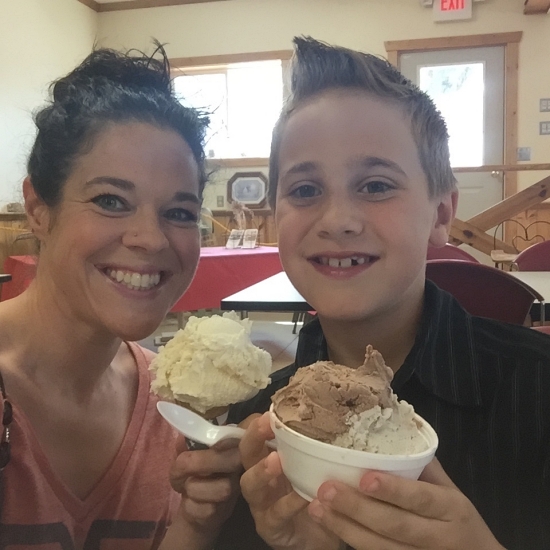
Eli and me eating fresh ice cream at a dairy farm

Here is the reader's question:

When you are counting calories, what do you do when you are hungry beyond what your calorie budget allows for a day?  How on earth do you stay within your calorie limit?  How do you manage that? I have found that when I count calories I do great for a few days, and then I just can't take the nagging hunger anymore. 

So, I'll use this post to try to go into detail about my daily calorie "limit"; it's always been hard to explain.
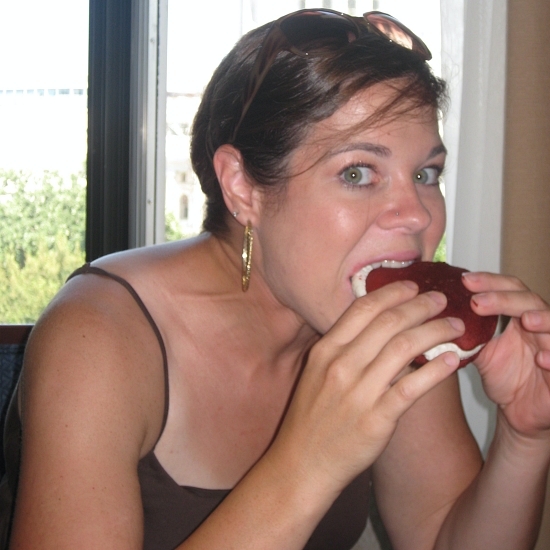
When in Madison, Wisconsin, eat Whoopie Pies!

When I count calories, I simply don't have a set "limit" for myself. I don't have a calorie target or even a range.

I know this sounds silly, because what's the point of counting calories if you're not aiming for a certain number?

I have found a couple of problems with setting a limit on the number of calories I eat per day:

1) If I have a maximum amount allowed, then I will eat every single bit of that amount, regardless of my hunger.

2) If I have a maximum amount allowed, then I will have to do a lot more meal planning ahead of time and I'm really bad at that. I usually just "wing it" when it comes to meals. I don't know what's going to sound good an hour from now, let alone tomorrow.
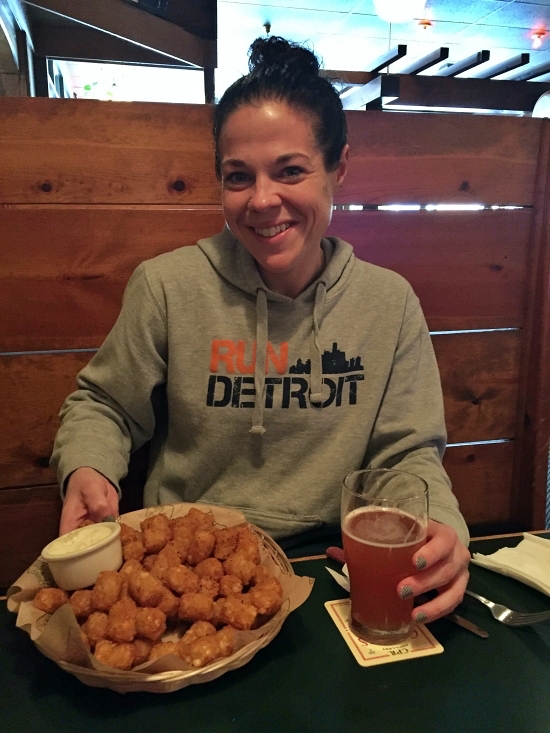
After my 10K PR (49:03!) I ordered this whole plate of tots for myself from McMenamin's!

 So how, then, does counting calories without having a limit help me to lose weight?

1) It helps me to visualize portion sizes. It's easy to pour a bowl of cereal that looks like a decent amount, only to find out that it's actually three servings and 500 calories. Add the milk, and it's a 650 calorie "light" breakfast.

I measure or weigh my food because I like to know just how much I am eating. It doesn't mean I can't have more if I want it, but just the fact that I *know* how many calories I'm consuming is enough reason to help me eat less.
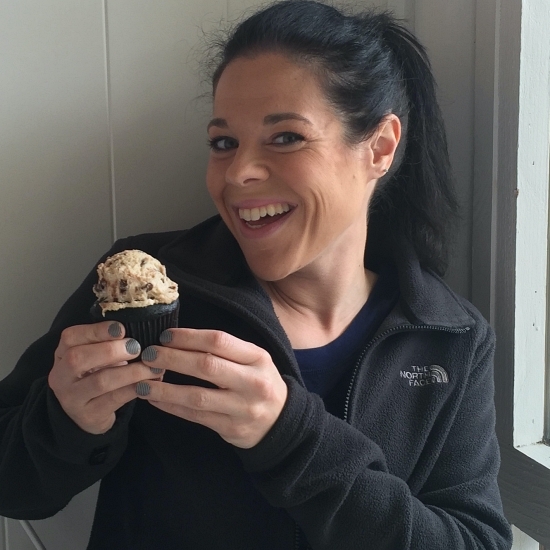
My friend Laurel took my on a cupcake tour of Seattle. OMG.

2) My appetite isn't the same every day. Some days, I'm ravenous; some days I'm have no appetite at all. So it wouldn't make sense to try to eat the same number of calories every day without knowing what my appetite will be.

There are some days where I get super busy and I'm just not hungry or I don't have time to eat; on those days, I might eat less than 1,200 calories. Other days, my stomach feels like a bottomless pit and I'll eat closer to 2,500 calories. If I had a limit on those days, I would feel super hungry and just say "fuck it!" and eat everything in the pantry. 

And likewise, on the days where I just don't feel hungry, having a calorie target would still make me feel the need to eat that number, so I would eat just for the sake of eating.

Neither one of those scenarios is ideal. 
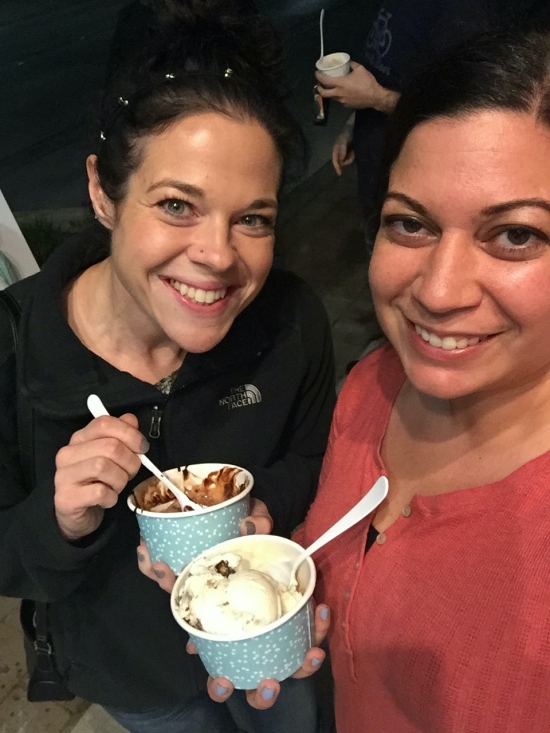
Laurel didn't stop at cupcakes. We also got ice cream!

3) I don't want to compromise special occasions. Special occasions are a fact of life. People celebrate birthdays, holidays, family get-togethers, out-of-town visits, vacations, etc. If I have a calorie limit, I would feel really stressed out that I wouldn't be able to splurge on things like everybody else. I would have to try to starve all day in order to save enough calories for a small piece of dessert or something.

On these kinds of days, I still count my calories; that number might be 3,000 or more! But I still count it. I don't obsess over how accurate it is, though. Last week, when I went out for pizza with my family, I didn't want to NOT eat pizza (the pizza place we went to is AMAZING). So I planned on having what I guessed would be about 1,000 calories worth of pizza. The pieces were cut pretty small, so I had three. Maybe those slices were 2,000 calories or maybe they were only 800. The point is, I made what I felt was a good guess and I counted them. I ate "normally" the rest of the day.

I don't always spend 1,000 calories on dinner, but on the occasion of going out with my family, it was worth it to me. If it meant my weight would be up a little, well, I know that I didn't eat enough to gain a whole pound of fat (which is 3,500 calories).

In a nutshell: On special occasion days, I just eat my usual meals and count on having a higher calorie meal as well. I also expect that my calorie total for the day will be higher than usual. And I'm cool with that.
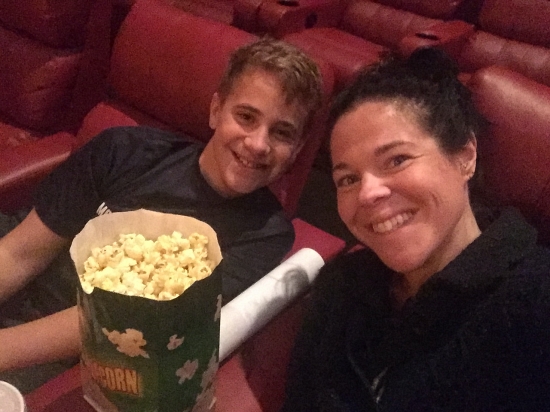
Eli and I seeing "Happy Death Day"

4) Counting calories without a target makes calorie counting SIMPLE. (Remember, simple is not the same as easy.) Losing weight is never "easy", in my opinion. The simpler I keep my plan, the more likely I am to stick to it, though.

If I ate a big breakfast, for example, and I realized I already used two-thirds of my calories for the day, I would feel very anxious and overwhelmed the rest of the day, worrying about what I could eat in order to stay under X number of calories. 

Over time, just from measuring food and counting calories, I've learned the amount that my body feels pretty satisfied with (on average). That's *usually* about 1600. When I add up the averages over a period of months, I average roughly 1600 calories a day while I'm losing weight.
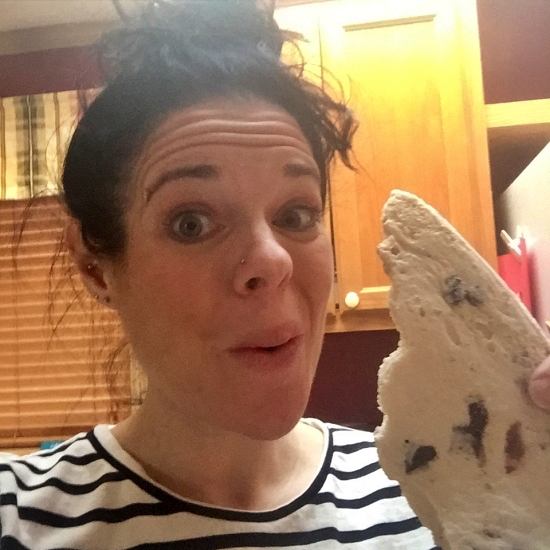
My brother bought a freeze-dryer, so I had him freeze dry Ben & Jerry's Cherry Garcia--YUM!

I think the best way to start counting calories is to actually just eat the way you always do but measure out the food first and write it down or use an app to track it. You might find that you're eating 5,000 calories a day and you don't know it. I would spend at least a week just eating your typical diet, but measuring and keeping track of the calories. Seeing those numbers might be enough to help you cut back.

Once you start learning portion sizes (due to weighing or measuring your food), you'll naturally learn where you can cut back. You'll also learn when you're eating just to eat rather than eating because you're hungry.

Maybe you'll start choosing foods that you enjoy the most and skip the foods that you don't really like. One of my "rules" is that I don't force myself to eat foods I don't like; I only eat foods that I actually enjoy. If that means eating a smaller amount of those foods, then I'm willing to do that. I'd rather have one really good, rich chocolate chip cookie than ten "just okay" ones. The calorie count will likely be lower, too!
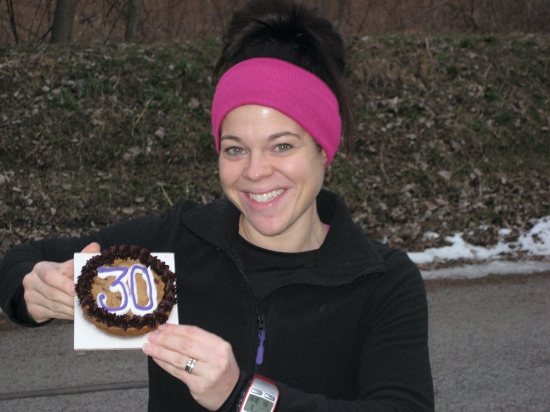
Back when I thought turning 30 was SO OLD

I always suggest this to people who are trying calorie counting: Start with a higher number than you think you need. For example, try eating about 2,000 calories per day. Keep track of your weight and see what happens. If you lose weight, that's awesome! Continue with 2,000. If you gain weight, then cut back by a couple hundred and try again. Not everybody needs the same amount of food, so we have to experiment to see what works for us as individuals.

To answer the question about nagging hunger... 

I do get hungry. But I actually enjoy being hungry before I eat because the food tastes better. I don't like being "hangry" (so hungry that I get irritable and angry); but when my stomach feels empty and food starts sounding really good, then I know it's going to taste good.
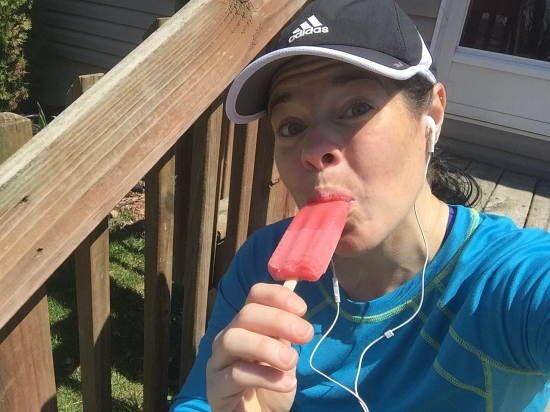
Popsicles taste SO GOOD after a hot run!

Over a LOT of years of weight loss/gain/maintenance, I've learned that my body likes it best when I eat four times a day: 8:00, 12:00, 4:00, and 8:00. I don't always stick to that schedule! Sometimes I'll skip a meal because I'm busy, but then I'm extra hungry later and I'll eat more than usual. And I don't watch the clock to eat right at those times; it's just a guideline.

So, while I do get hungry, it's not because I'm not eating enough calories; it's because I'm choosing to space out my meals enough to where I have just the right amount of hunger before I eat again.
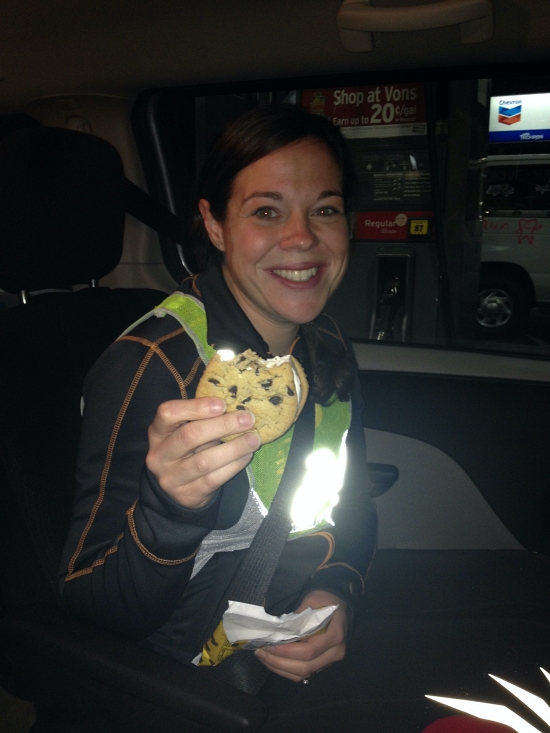
Midnight snack during Ragnar "From Fat to Finish Line" in the Florida Keys

If you have a nagging hunger for days, enough to make you want to quit, then you are likely not eating enough.

Hopefully this post explained my odd "no calorie target" way of calorie counting. It works for ME; just note that this may not work for other people. Some people may find that they eat non-stop when they don't have a target. If that is the case, then I would suggest to try starting with a calorie range. Aim for somewhere in the middle of the range, and that way you have a guideline.

I know this way of eating isn't for everyone. That's why I alway stress that we should each do what is best for US and our OUR bodies. Counting calories this way works best for me and it's simplest for me so that I don't quit the first time I overeat! ;)

And clearly, I love dessert--that's why almost all of my pictures involve dessert! (Also, notice how most of them are some sort of "occasion"--it's not just me sitting home in my pajamas shoveling ice cream in my mouth--although I've definitely been known to do that, too!)
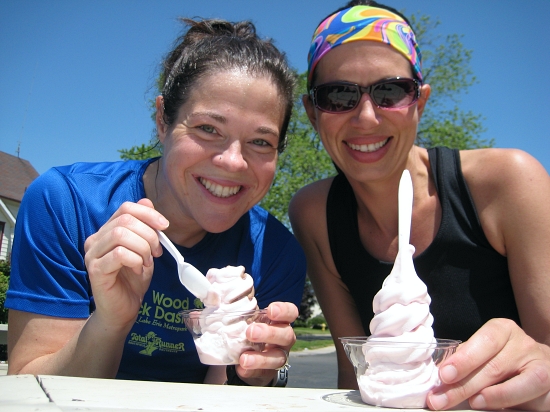
Jessica and I celebrated our final marathon training run with frozen custard!


I do eat lots of healthy food, too, but I rarely take pictures of it like this--because it's not as fun as dessert. My diet doesn't consist entirely of ice cream, I promise. I also eat too many grapes ;)

August 22, 2021

TUTORIAL: Fat Secret Calorie Counting App (a super basic guide)


Lately, I've been getting a lot of questions about my recent weight loss through calorie counting, and several people have asked for a Fat Secret tutorial. It's my preferred calorie counting app and I always recommend it when people ask.

I've been working on this post forever, but today I deleted a lot of the screenshots to clean it up and keep it simpler. The app is very simple to me, but I've gotten several questions about it so maybe it's just because I'm so used to it. In this post, I tried to list everything step by step without making it overly complicated. (I've read over this post so many times I can't possibly do it anymore, haha--if something doesn't make sense, just ask!)

I know Fat Secret is not as popular as, say, MyFitnessPal, but I made the switch over from MFP because the ads on MFP made inputing my food log take SO much longer than necessary (I had to wait for an ad to load after each tap on the screen). Maybe MFP has gotten better since I switched apps, but I found that I actually like Fat Secret much more regardless.

Fat Secret is free and there are no ads. There is an option for a premium version with subscription, but I am not interested in those features, so the free version is perfect for me. I don't like all the bells and whistles on a calorie counting app--I just like it to be very clean and basic, easy and fast to log my food, and customizable. And definitely have the ability to input and save recipes.

Here, I'm just going to show the settings that I use. I don't have a premium subscription, so I don't use those features (meal plans being the main one). You can probably find much better tutorials out there showing all the features of the app, but for those who asked, here is what I use the app for:
  • Logging food from a database (searching either by a keyword, scanning a UPC, or taking a picture).
  • Inputing recipes and save them for easy logging later.
With the free version, you can also use the weight tracker (I use a separate app called Happy Scale for tracking my weight), set nutrient goals and view the most common nutrients, see daily or weekly reports about your food intake, track your sleep and/or exercise, and socialize with others using the app. (I will mention these things briefly, but I don't use these features). 

After creating your account (just follow the prompts to sign up), here is a "how to" for the basics of the app:

The very first thing I would do is collapse the meal plans thing at the top. That is for premium members and since I don't use it, I just close that to keep it from being distracting.


Next...

To change your starting weight, goal weight, or to log your weight:

Just tap the "Weight" tab at the bottom of the screen. From there, you can tap and adjust the weight you want to change.


To change your target number of daily calories:

1. Tap the "More" tab at the bottom right of the screen.
2. Tap "Settings".


You'll see RDI (which stands for "recommended daily intake") and it will show the number of calories that they suggest for your goal. You can leave it at that, but if you want to customize it, tap that number.


3. It will explain RDI; just tap "Recalculate".
4. From here, you can adjust your age, activity level, etc. Once that is correct, scroll down and tap "Calculate".
5. It will show you the RDI based on that info. If you want to change it, just delete that number and type in whatever number you'd like, then tap "Save".


Also in Settings:

You can choose to turn on/off an Exercise Diary (which tracks your exercise on your daily food log). You can change the privacy settings for your weight, journal, and calendar, and set reminders if you'd like.


To set up food diary:

1. Tap the "Diary" tab at the bottom of the screen.
2. Scroll to the bottom and tap "Options".


3. Tap "Change Columns".
4. Here, you can put a checkmark next to each column you'd like to see on your main diary page (fat/fiber/sodium/sugar/etc.). To view those from your diary page, you have to tap "Options" again and then switch to "Detailed View".
(As you know, I like to keep things super clean and simple; the only thing I track is calories. So I have mine set to "Summary View" and the only column I have checked is calories.)


To add food to your diary:

1. Tap the "Diary" tab at the bottom of the screen.
2. Tap the green plus sign (+) to the right of whatever meal you'd like to add food.
Along the top, in a black bar, there will be these options:


  • COOK BOOK (this is where your personal recipes will be if you choose to add any)
  • RECIPES (this is where user-submitted recipes can be found; I don't ever look at these, so I can't tell you anything about this section)
  • FOOD (this is where you can search for a food... more on this later)
  • RECENTLY EATEN (foods that have had most recently added to your log)
  • MOST EATEN (foods you add to you log the most frequently)
  • SAVED MEALS (foods that you typically eat together but aren't necessarily a recipe; if you have coffee with cream and sugar every day, for example, you could group those items into a "SAVED MEAL" and add them all at once instead of searching for each individually every time.
3. I'll explain them below, but when adding food, you'll choose from one of those options above--the most frequently used tabs (for me) are COOK BOOK and FOOD.

To search for a food and add it (plums, for example):

1. Tap the FOOD tab.
2. Type in "plums" and tap Search.
3. Decide which item is what you're looking for (I almost always choose the first one).
4. Tap the circle to the right of the food to highlight the green checkmark.


(If you need to change the serving size, just tap on the food item and adjust the number and/or method of measurement)
5. When the serving size is correct and the food has a checkmark next to it, tap "Save (1)" at the top right. (If you check off multiple foods, it will read "Save (2)" or whatever number of foods you have selected.)
6. It will take you back to your food diary and the item should be listed there. If you need to change something, just tap on it and you can adjust it there.


To search for a food by photo (I don't find this to be very accurate unless it's a commonly recognizable item like an apple or carrots or a slice of bread):

1. Tap the FOOD tab.
2. At the bottom, tap the green camera icon.
3. Here, you can choose (under the green shutter button) the camera roll icon (it looks like a roll of film, if you are old enough to remember what that looks like, haha!) to choose a photo from your camera roll; or the camera icon (to take a picture of the food at that moment).
4. Once you either select a photo from your camera roll or you take a picture in the moment, the app will suggest what it may be. If it's correct, just tap on the item and add to your diary like I wrote above.


To search for a food by UPC (the barcode on packaged items):

1. Tap the FOOD tab.
2. At the bottom, tap the green camera icon.
3. Choose the icon that looks like a barcode.
4. Line up the red line to go through your barcode.
5. The app will read it and pull up the item from the database.
6. Add the food to your diary like I wrote above.
(These are correct most of the time, but products change over time and the nutritional info might change as well; just double check before adding it to your food diary.)

Obviously, you'll scan an actual product; I just looked one up on the computer
because I was too lazy to go get something from the pantry while typing this.

After scanning the code, something like this will pop up. Just change the serving size (this one showed up as 40 servings, haha... I don't think that even *I* could eat that much!)


To add a recipe to your "COOK BOOK" tab:

1. Tap the "Diary" tab at the bottom of the screen.
2. In the top right corner, tap the magnifying glass icon.
3. Scroll to your COOK BOOK tab (in the black bar).
4. Scroll down to "Add New Recipe".


5. Enter the info requested.
6. When it says to add ingredients, just tap "Add Ingredient" and search for items the same way you would as described above.
7. Continue to add ingredients until they are all listed.
(You don't have to add recipe directions unless you want to. It says to add a minimum of 3 directions and 1 photo, but that is only if you plan to share your recipe with the community. I only use the recipe section in order to log my food easily, so I never type in the directions.)
8. Save the recipe.
Now, whenever you want to add it to your diary, you scroll to your COOK BOOK tab and it will be listed there. Just add it as you would any other food.


To create a SAVED MEAL (foods that are frequently eaten together):

1. In the black bar, scroll to SAVED MEALS.
2. Tap "New Saved Meal".
3. Give it a name ("tea with cream and sugar", for example).
4. At the top, it will say "Suitable for" and list the different meals. I would leave all of the meals listed so they are easier to find later. (If you were to just list "breakfast", for example, your saved meal would only show up there when you tap the green plus sign next to Breakfast on your diary page.)
5. Add all the food items that you want in that group (in this case, I'd add black tea, heavy cream, and granulated sugar). Make sure you adjust the serving sizes to the portion that you want to add.
Now, whenever you want to add that group of foods, just scroll to the SAVED MEALS tab from the black bar and it will be listed there.


Make sure breakfast, lunch, dinner, and snack are all listed


To add Exercise/Sleep to your diary:

1. Tap the Diary tab at the bottom of the screen.
2. Scroll down and underneath the Snacks section, tap "Add Exercise/Sleep".
(I have never used the Sleep/Rest section, so I can't comment on that).
3. To add exercise, tap the plus sign next to Exercise.
4. Here, you can search for an exercise and add it just like you would with food (just tap on it to adjust the duration).
Because my calories burned varies with each run, I tap "Add Custom Exercise".
Here, you type a description ("Running") and calories burned ("378") and duration (36 minutes).
5. Then tap Done and Save.


To view summaries of your calories (and macros and/or nutrients):

Tap the Reports tab at the bottom of the screen.
I never use this, but it's very self-explanatory--just use the tabs "Calories" "Macros" and "Nutrients" to view the details (you can choose to view day or week).
In the top right, there is a bullseye icon where you can adjust nutrient goals (again, I don't use this, but it's self-explanatory).


Finally, about the Home tab:

I never use the "Home" tab at the bottom because it's for social stuff--you can follow people and see what they are posting, etc. I don't follow anyone and I keep mine private; I use the app solely as a way to track calories. But if you're interested in the social side of it, you can find that under the "Home" tab.

By tracking calories, I don't adhere to my target calorie number, either--I try to eat what I consider to be a "normal" amount of food and I track it. It usually ends up being somewhere between 1300 and 1900 calories per day, with the average being around 1600. I just find that when I have a target, I focus more on that target than my hunger. Tracking the calories keeps me aware of portion sizes and gives me a general guideline as far as how much I should be eating, but I don't worry about it if I go over that number (or under, for that matter).

Here is a recent post I wrote that explains the calorie target (or lack of) better: How I Calorie Counted My Way Back to My Goal Weight

One of the reasons I like Fat Secret so much is its simplicity--it's very user-friendly and easy to figure out if you play around with the app. I don't count macros or other nutrients, so I don't need fancy calculators and all that. Fat Secret does what I need it to do (for free and without ads, which is nice!). If you're new to calorie counting and you want a simple app that won't overwhelm you, I think Fat Secret is a great choice. (I am not affiliated with Fat Secret in any way--I just love the app and wanted to share.)

I feel like this tutorial is going to make the app sound MUCH more complicated than it really is--honestly, it's super easy to figure out! And now I can log a whole day's worth of calories in less than 60 seconds.

March 11, 2020

Recent Thoughts About Weight Watchers (and my new favorite food log app!)


Thank you all for the sympathy (and empathy!) on my last post. I'm feeling better about it all today--just trying to deal with one situation at a time. Why does it seem that all the stressful situations happen all at once? Chances are, in a month, I'll feel bored without having all kinds of things going wrong ;)

Like I said yesterday, I'm remembering now why I quit doing Weight Watchers and started counting calories instead. I made the switch from Weight Watchers to calorie counting in 2015, I think.

I certainly don't love counting anything at all--I wish I could eat intuitively and be happy with that. But my emotional eating (stress) makes me eat way too much. So, I think in order to lose this extra weight and maintain the weight loss, I'll always need to track my calories.

Lately, I've been attempting Weight Watchers, but I only count a few times a week (not deliberately--I do plan to track daily). Then I get stressed out about something and derailed from WW. So, here are some thoughts that I've noted since I stated counting Points again...

(To be clear, I'm following the older Flex Plan, counting PointsPlus; not Smart Points.)

*I'd actually forgotten the PointsPlus values for most foods, which was interesting. After counting them for so long, I thought I'd never forget!

*I had to calculate the PointsPlus in my recipes (thankfully, I had the recipes stored in Fat Secret, so I already had the nutrition info calculated--I just had to convert it to PointsPlus).

*I've been tracking calories as well as PointsPlus, simply because it's easier for me and I wanted to do a comparison. I used to think that WW was easier, but now it just seems like a hassle.

*I'm glad I was keeping track of both calories and PointsPlus, because I discovered why sticking with Weight Watchers was so difficult. I was getting less than 1200 calories per day when sticking with my PointsPlus allowance! I even used activity PointsPlus and my calorie count was very low.

*When calorie counting, I used to spend about 300 calories on breakfast, 400-500 calories on lunch, and 500 calories on dinner (plus my bedtime treat, which was usually 200-400 calories). When I lost quite a bit of weight (going from 160 to 121 by calorie counting), I was averaging just under 1,600 calories per day. I didn't feel hungry or deprived. (Here is a detailed post about that.)

*I noticed that when I try to stick with PointsPlus, I'm not as satisfied with my food because I'm purposefully choosing lower fat/lower calorie foods. Personally, I enjoyed calorie counting because I liked having smaller portions of richer foods more than bigger portions of lower fat foods.

*I bought some Smart Ones and Lean Cuisines because they are convenient and fast and easy for my lunches. I usually have one with a piece of fruit. They aren't filling at all! (Even though this lasagna looks NOTHING like the photo, it surprisingly tasted really good; it was just way too small.)


When I used to eat frozen meals before for lunch (counting calories), I would have the Stouffer's ones--they are heartier and more filling.

*To increase my calorie intake without going over my PointsPlus allowance, I ate several fruits and vegetables, but I didn't really want them. I like to eat a piece of fruit once or twice a day, but I don't have the appetite to eat five or six pieces. Also, if I ever want to try to eat intuitively, I don't want to make myself eat things "just because" right now.

Which leads me to my new favorite app...

A blog reader, Jen, emailed me about an app to keep track of calories (along with ALL of the macronutrients, micronutrients, vitamins, and everything you can think of). Since I'm such a numbers person, I downloaded the free version and gave it a try. It's called Cronometer. You don't even have to use the app--there is a web version, too.

I LOVE IT.

More than I liked My Fitness Pal, more than Fat Secret, more than all the other apps I've tried. The database is fantastic, storing recipes is super easy, it's a very clean looking app without bright colors and flashy things.


I never thought I'd be interested in this, but I love seeing the nutrition analysis as I enter foods. I can easily see what vitamins and minerals I'm getting a lot of and what I'm lacking in--something I've never really cared to look at before, but having it so easily available at a glance actually made me want to choose healthier foods.

For instance, I might see that I'm really lacking fiber after breakfast and lunch, so I'll try to choose to make something with more fiber for dinner (likely something with beans).

You can connect the app to devices (like my Garmin!) to keep track of exercise as well.

My very favorite part of the app, though, and what sets it apart from other apps I've used, is that when you enter a recipe, it keeps track of the weight of all the ingredients in grams--this is the BEST because there is no dividing recipes into four equal portions or whatever when you're done cooking. The app calculates how many grams the entire recipe weighs, and you can vary portion sizes however you want...

I can just fill my plate or bowl with however much I want to eat, and weigh it on the food scale. Then I just enter the weight of my portion, and it calculates the nutrients in that portion. In most cases, I've been able to do that with particular foods on other apps, but never for recipes.


(In the photo above, I selected "1 serving" which is 376 grams. But you can change that to any amount of grams you want without having to mess around with the number of servings.) I LOVE not having to equally portion out dinner before eating, just so I can get an accurate calorie count.

More screen shots from the nutrition in the recipe shows how many nutrients you can view:


The free version of the app is totally fine for everything I need, but I did end up buying the premium version for one reason--Jerry can "friend me" to view and track my recipes on his own (free version) app. So when I make dinner, he just searches for the recipe like any other food, and my recipe will show up. He enters his portion and adds it to his log. It's a huge convenience/time saver for him.

Once I tried out that app, I was hooked. I know I've been so back and forth about everything having to do with weight loss lately. I was really excited about trying Weight Watchers again, but that fizzled out quickly when I started remembering the things I really didn't like about it. I was bored with calorie counting, which is why I wanted to try WW again in the first place.

But this Cronometer app helped a lot because it's new to me (which keeps me from being bored, at least for a while) and because I found I really like seeing the analysis of my diet at a glance. It actually makes me WANT to eat healthier.

I've still been stress eating, but I've actually been tracking it anyway. And some days I do really well; others, not so much. Either way, it's been fun using the new app. (Thank you, Jen!)


February 18, 2020

My Simplified Eating and Training Plan to Drop the Extra Weight


Okay, this is a humiliating humbling post for me.

Before I get into that part, though, first I will write about my upcoming training plan. I mentioned a couple of days ago that my friend Adam and I are going to run the Detroit Free Press International Half Marathon together in October.

Obviously, I need to train for it. Right now, I'm capable of running about four miles at a pace that is slower than a walk, hahaha. I don't have a time goal for the race (my main reason for doing it is to get back to training for something--anything--and especially to run Adam's first race with him.

Since we have 33-1/2 weeks until the race, we have plenty of time to train. I definitely don't want to wait until it's 12 weeks out and then start a plan that I'll dread. I mentioned that I want to really SIMPLIFY my diet and exercise routines so that they feel doable and comfortable again. I don't want to overcomplicate anything at all.

So, I'm going to be doing one of my own half-marathon plans that I have posted on my blog: Six-Month "Beginner to Half-Marathon" Training Plan. This is to take someone from zero running to running a half-marathon in six months.

The plan begins with my "walk to run" plan--doing a 30 minute walk, but replacing walking with running for an increasing amount of time per walk until you're able to run the whole 30 minutes. I'm definitely capable of running for 30 minutes now, but I like the idea of following this plan from Day 1. So, I'll be starting completely from scratch, how I did in 2010 when I started running in the first place.

Since I am going to start the plan next week, I'll have 33 weeks (longer than 6 months) to train... so I added seven weeks to the beginning of the plan--with straight-up walking. I scheduled 30 minutes of walking four days a week for seven weeks. THEN I will begin the actual six-month training plan.

I realize this is probably a very slow way to make progress, but I have the time and I don't want to dread this. I want to enjoy it! Also, while I don't plan on following the MAF method (like I said, I want to keep it super simple and run by feel rather than numbers), walking at a decent pace should help strengthen my cardio system per the MAF method anyway. After seven weeks of walking, I should feel good adding in the running.

I'm actually really excited about doing it this way. It can't get much simpler, and the baby steps will ease me in.

When I first started running, I went from not running at all to running my first half-marathon a year later. I know that I can do this again if I really want to! I used to enjoy training much more when I didn't make it so complicated. When I was still learning by trial and error.


Now, about the dieting aspect for dropping this weight (and the reason for my embarrassment)...

I SWORE ON MY LIFE I'd never, ever do it again. But I have reasons that I'll explain below why I am choosing to do this: Weight Watchers.

The last Weight Watchers plan I did was Weight Watchers 360 (also called PointsPlus), which I started in 2012 and stopped in 2013 or 2014. I started counting calories in fall of 2015 after gaining weight back.

I liked the Weight Watchers Points Plus Plan. It got me back on track and I dropped weight that I'd gained--I even reached my WW goal weight for the first time in my life!

Here is a blog post I wrote about the basics of Weight Watchers--referring to the Points Plus plan: The Basics of Weight Watchers.

Here are some pictures from the day I hit my Weight Watchers goal weight in 2015 (I'd actually hit my personal goal weight of 133, I believe. I always weighed in "heavy" at WW on purpose--wearing shoes, heavy clothes, etc. Just as a buffer in case I needed it one week! haha).


I earned my maintenance charms when I reached goal, too:


Weight Watchers was refreshing and working great... until it wasn't.

Now... the reasons I quit Weight Watchers. Here is a blog post of my rant and (legit) reasons for quitting once they switched to the Smart Points plan: Calories vs. Weight Watchers Smart Points. (Keep in mind, it's my OPINION, so don't hate me for it)

Anyway, can you believe that I didn't have enough Smart Points on the new program for this little candy bar as a snack?! I mean, c'mon.


I found that switching from WW to calorie counting when I did was a great change of pace. It's nice to switch things up now and then, even if it's not a huge change. The newness of it helps keep it "exciting" enough to stick with it. I feel like I'm always using the word "refreshing", but it fits so well!

Now, though, I just cannot seem to get into counting calories again for whatever reason. The "spark" isn't there and I can't find a momentum. I'm bored with it.

My sister texted me last week and begged me to do Weight Watchers with her again, but I just couldn't bring myself to do it--I said no. She's tracking with an app called iTrackBites, which is basically the WW program but much cheaper. I tried out the free version, just to get an idea of it, but I really disliked the database.

I hemmed and hawed all week about what to do as far as my diet goes, and today I finally decided: I'm going to go back to the old school way that I followed the plan--with a pen, a Weight Watchers journal, and a Weight Watchers calculator. I bought them on E-bay today, so I won't get them for a week or so, but I'm going to try to start tracking tomorrow.

Looking at the old 3-Month Tracker made me feel so nostalgic for those days!


I loved tracking in an actual book because I was easily able to flip through the book and see what I was eating when I had good weeks and bad weeks. Also, I love to journal so it was just another fun journal for me. (I have way too many journals of all sorts! I have a bad habit of collecting them. Those and water bottles.)

I'm SUPER bummed because I cannot, for the life of me, find my old Weight Watchers journals. I loved looking through them to see what I was eating and patterns in my weight loss and all that. I have turned the house upside down looking. I'm sure I wouldn't have thrown them away! But maybe I did when I was purging everything from the house during my extreme hypomania a couple of years ago.

Anyway, it's embarrassing to change my stubborn mind about ever doing Weight Watchers again, but I'm going back to the program that I enjoyed and I'm doing the simplified version of it--before everything went to phone apps! (I won't be attending meetings)

It's going to take some getting used to again--I forget the PointsPlus in my favorite foods, and none of my recipes have the PointsPlus values on them. So, I'm going to spend some time over the next couple of weeks doing the calculations which will hopefully make life easier when I cook.

The hardest part about it all will be having to measure out my food again. I never used to mind it until I got so used to NOT doing it. But I did it a couple of times before while losing weight, so I know I can get used to it again.

Right now I feel pretty confident that I can stick with this--I love the simple and refreshing ideas of an easy training plan and the very basic Weight Watchers plan that worked well for me before. Hopefully I'll see some progress, because I'd love to start posting it on my blog again!


Featured Posts

Blog Archive